Tag: sundance

  • How I used AI assistants

    How I used AI assistants

    How to use Claude desktop and Premiere’s built-in AI assistant (beta)

    The scale of the project

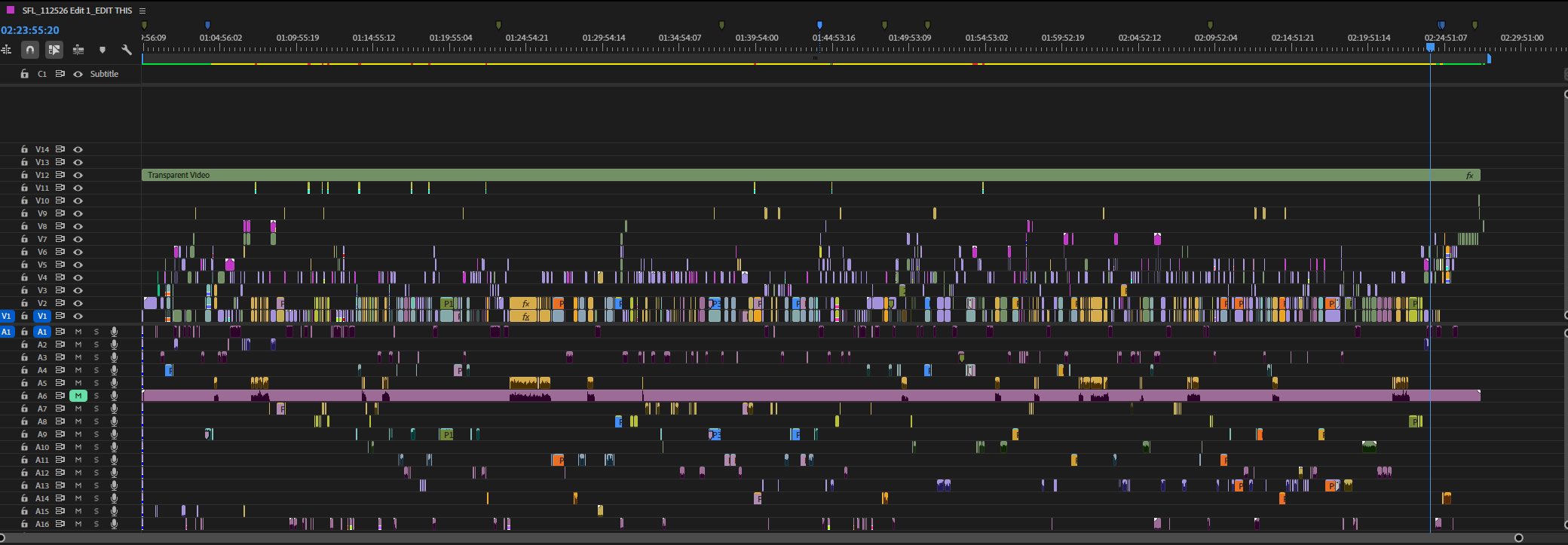
    After 18 months of editing a 90 minute feature-length doc, the master project contained a lot!

    • 657 sequences: multicams, nested sequences, old versions, test cuts and Generative Extend sequences
    • 15,334 clips placed on timelines
    • 1,116 unique media files across several drives
    • 301 bins
    • About 381 MB of project data once unzipped. The file on disk is only 54.5 MB because it’s compressed.

    I needed a lean project for color grading in Premiere Pro 27 Color Mode that contained only the final edit and what it depends on, with every file properly linked.

    The key idea: the project file is a database

    A .prproj is a gzipped XML file. Unzipped, it’s a structured database of every sequence, clip, bin and media path in the project, and of how they connect. Premiere’s UI shows you that database one panel at a time. Claude desktop, which can read files on your computer, could read the whole thing at once. That’s what made the rest fast.

    The workflow

    1. Map the project (Claude desktop)
    I pointed Claude at the master .prproj. In one pass it counted every sequence, clip, bin and media file, and listed which media each sequence uses. That’s the full picture before changing anything.

    Example prompt: “Read this .prproj (it’s gzipped XML). Count the sequences, clips, bins and media files, and tell me which media files exist on disk and which are missing.”

    2. Build the grade project (Premiere)

    • File → New Project, saved on a fast internal drive
    • File → Import, select the master .prproj, and choose Import Selected Sequences
    • Select only the final edit sequence. Premiere brings along everything it depends on: nested sequences, multicams, extended clips and their media.

    Result: 44 sequences, 1,582 clips, 619 media files, 129 bins. That’s about 93% fewer sequences, all still linked to the original media drive, with nothing copied or duplicated.

    3. Verify the new project (Claude desktop)
    Claude read the new .prproj and checked every media path against the drives. That confirmed all the real media was linked before I started grading.

    Example prompt: “Check every media path in this new .prproj and list anything that doesn’t exist on disk.”

    4. Check offline media before exporting (Claude desktop)
    Claude separated items that only look offline (captions, black video, transcripts) from real missing files.

    Example prompt: “Which media in this sequence is offline? Ignore synthetic items like captions and black video. For each real missing file, search my drives and tell me where it’s used on the timeline.”

    5. Confirm on the live timeline (Premiere’s AI assistant)
    The XML shows how the project is built, not what you see and hear. I asked Premiere’s built-in assistant about the same missing clips. It confirmed they sit on V6 around 44:18 and V5 around 1:24:48–1:25:00, and that their extended audio isn’t on any audio track. So the warning doesn’t affect the mix. I pasted its answer back into Claude, and the two agreed on the clips and timecodes to within a second.

    6. Export
    Choose “Export anyway,” then watch those two timecodes in the exported file.

    Why this worked

    • The file view answered bulk questions in seconds across 657 sequences and 1,100+ files: how much is there, what’s linked, what’s missing, and where it’s used.
    • The in-app assistant answered what the file can’t: what’s actually on the timeline.
    • Cross-checking the two gave me confidence before export.

    Ground rules if you try this

    • Let the AI read the .prproj freely, but don’t have it hand-edit your working project. Make changes in Premiere, or have any edits written to a new copy.
    • Keep the big master project as your archive and grade in the slim one.
    • The project file format can change between Premiere versions, so double-check results on the timeline.

    Summary

    This is my fifth film with Premiere when I started over 10 years ago. I have also been teaching at the college level for over twenty years with Premiere. Some of these AI tools will be helpful, and as a creative, I can really appreciate that in my work flow.
  • “American Pachuco” ~ Sundance Gives a Legend of Stage and Screen His Due!

    “American Pachuco” ~ Sundance Gives a Legend of Stage and Screen His Due!

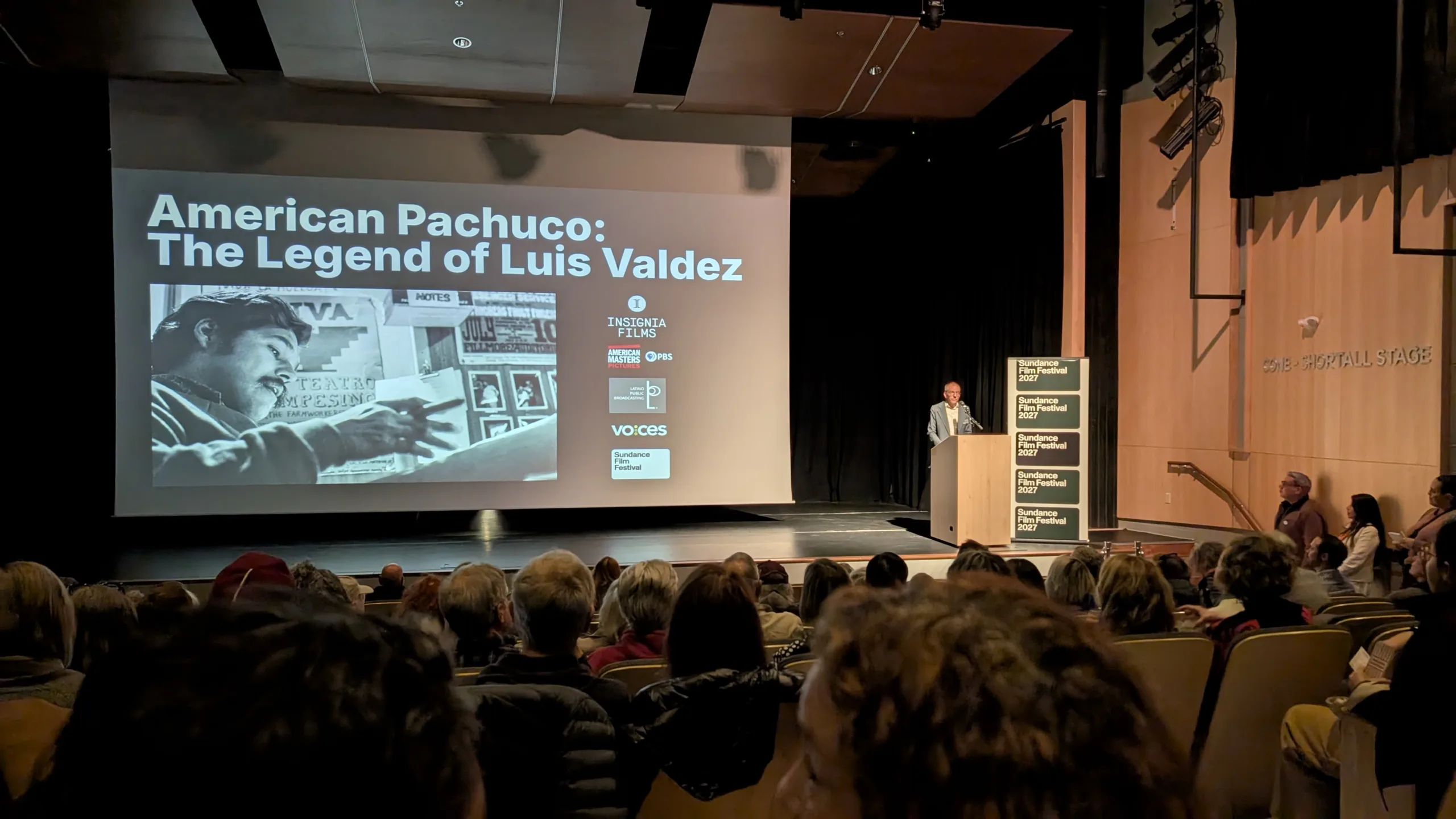
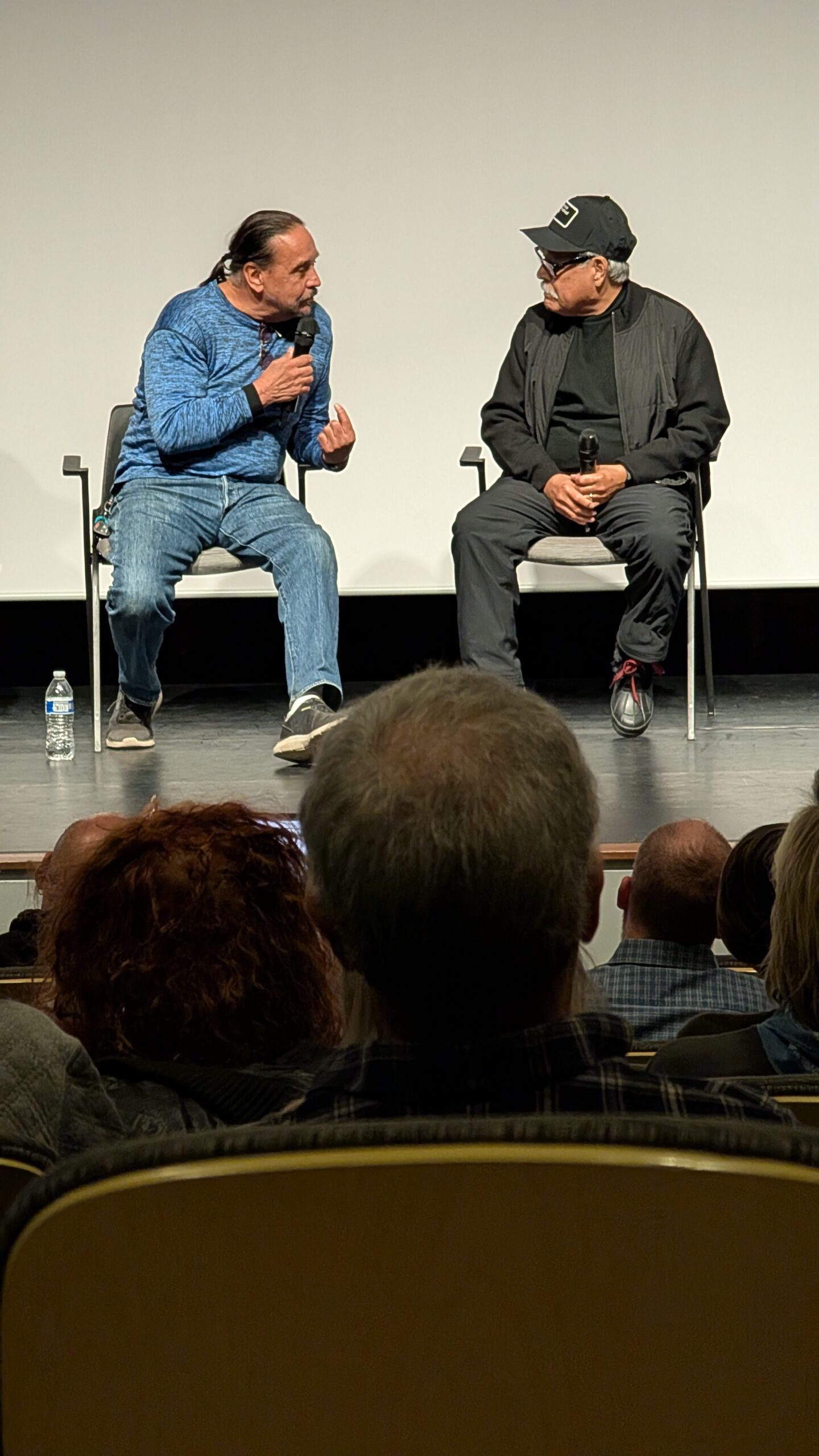
    I attended Sundance Film Festival very first screening and community gathering outside of Boulder, Colorado. I was happy to get a group of my Front Range Community College students on the guest list to experience this screening and community event. Thank you Sundance Institute. But the absolute highlight? During the Q&A, the legendary Luis Valdez (iconic creator of Zoot Suit and La Bamba), now in his 80s, was a cultural breath of fresh air.

    There would be no Bad Bunny at the Super Bowl if Luis Valdez hadn’t been on Broadway in 1979 with Zoot Suit in Spanish. And the film we all came to see, “American Pachuco: The Legend of Luis Valdez” by David Alvarado was as captivating and inspiring as Luis Valdez.

    This is exactly what Sundance is about: bringing the “best of the best” into our community spaces to inspire us all to make the world a better place. Sundance Film Festival comes to Boulder in January 2027!

    From the Filmmaker: Books & Films

    Beyond the Hollywood stories, Michael M. Conti makes documentary films about unruly mystics — John Muir and Saint Hildegard of Bingen — and publishes the books that go with them.

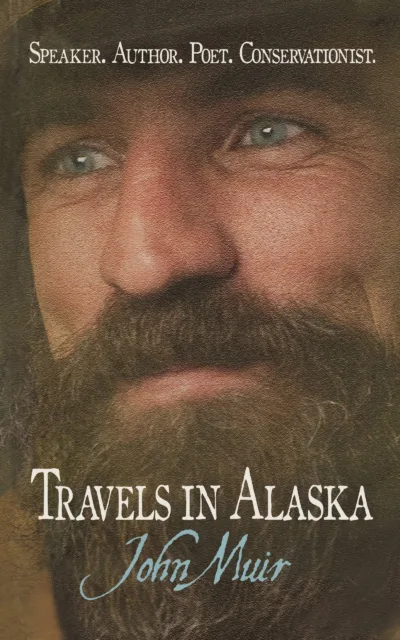
    Travels in Alaska by John Muir, with original drawings and photographs — book cover

    Travels in Alaska by John Muir — with his original drawings and photographs. A companion to the film The Unruly Mystic: John Muir.

    Saint Hildegard Speaks by Dr. Annette Esser — book cover

    Saint Hildegard Speaks by Dr. Annette Esser — the life and wisdom of Hildegard of Bingen along the Hildegard Way. A companion to the film The Unruly Mystic: Saint Hildegard.

    More titles, including John Muir’s letters and John Muir in India, are in the Crazy Wisdom Publishing store on Amazon. The films are at Crazy Wisdom Films.

    As an Amazon Associate, Michael Conti Productions earns from qualifying purchases.

  • Filmmakers who aren’t afraid to break new ground

    Filmmakers who aren’t afraid to break new ground

    While our inspirational documentary film, The Unruly Mystic: John Muir, indie budget pales in comparison to a Hollywood film, Boulder Colorado based Michael Conti Productions decision to use an integrated Adobe workflow with Adobe Premiere Pro at the hub, was a given for this tech-savvy and budget conscious producer, director and editor, Michael M. Conti.

    Adobe Premiere Pro was used to edit 21 films that will appear at the Sundance Film Festival this year, up from only 9 in 2014. After pairing up with Adobe After Effects CC, Premiere’s capabilities and ease of use noticeably improved, attracting more and more devoted users.

    Case in point:

    Gone Girl is the first Hollywood feature-length film cut entirely in Adobe Premiere Pro CC.

    This final tidbit of news was a welcome surprise to the independent film community.

    Much of the visual effects work was done in-house, which allowed the team to work iteratively, in parallel with the editing. For example, Michael Conti could edit in Adobe Premiere Pro while others worked on shots in After Effects. The saved compositions would automatically update in Conti’s timeline thanks to Adobe Dynamic Link. This integrated and interactive workflow kept shots looking cleaner and eliminated distracting back-and-forth discussions so the entire team could focus on the story as it took shape in the edit bay. This streamlined workflow was one of the main advantages for “The Unruly Mystic.”

    The process of editing this 105 minute movie with Premiere Pro from the ingest of assets (originally shot on two CANON XF100s), to individual scene editing (taking advantage of sub-clip and bin folders), to combining the multiple scenes in a single timeline (flatten) will be a subject of another post.

    Learn more about Adobe Creative Cloud